
Summary
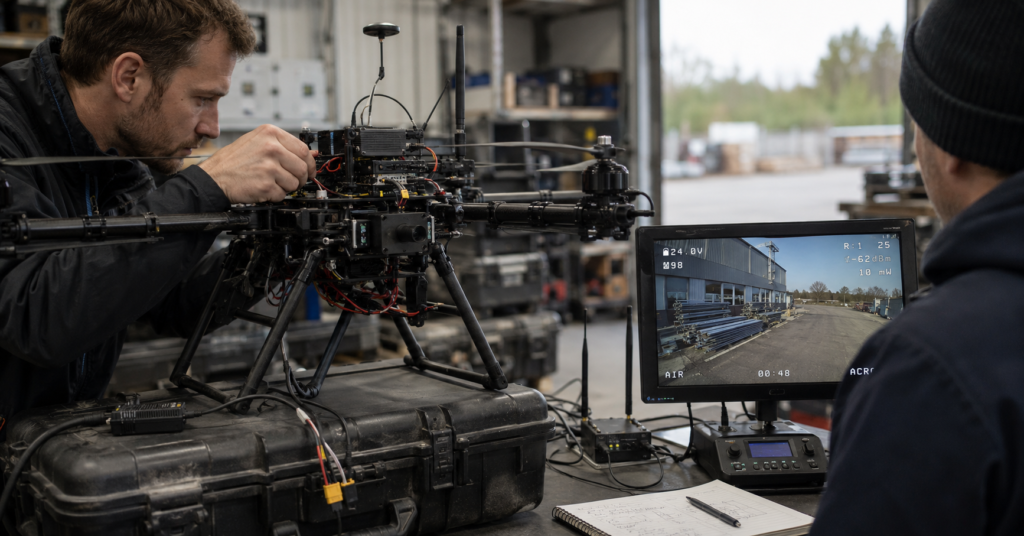
FPV camera selection is no longer only about resolution, image sharpness, or transmission distance. For FPV drone integration teams, the real question is whether the FPV air unit can fit the full video-link architecture.
A clear image does not mean the system is integration-ready.
The real risks often appear after the camera is mounted, powered, configured, connected to the flight-control system, transmitted through the air unit, received on the ground side, decoded, displayed, and tested with OSD data.
That is why FPV evaluation is shifting from camera-spec comparison to video-link integration risk evaluation.
1. The old FPV evaluation model is becoming too weak
Many FPV systems are still evaluated by a simple set of questions:
- Is it 4K?
- What is the maximum transmission distance?
- What is the lowest latency number?
- Does it support OSD?
- Is it analog or digital FPV?
- Is the image clear enough?
These questions are not wrong.
But they are incomplete.
For FPV drone platforms, FPV is not only a camera decision. It is part of a real-time operational video chain.
That chain includes:
- camera module
- image sensor
- encoding
- firmware behavior
- OSD overlay
- telemetry input
- protocol support
- wireless transmission
- receiver-side system
- decoding
- ground display
- operator workflow
A weakness in any part of this chain can turn a good camera into a failed integration.
2. A clear FPV image does not prove integration readiness
One of the most common mistakes in FPV camera evaluation is assuming that a clear video feed means the system is ready.
It does not.
A camera can output HD video during a bench test.
The image can look sharp.
The latency can feel acceptable.
The air unit can power on normally.
The link can appear stable in a short demo.
Then the same system is installed into a FPV drone platform.
That is where the real problems start.
The OSD data may not display correctly.
Telemetry may not map into the video feed.
The protocol may not match the flight-control stack.
Firmware settings may change video behavior.
The receiver-side path may add unexpected delay.
Power input, heat, wiring, and mounting may affect link stability.
This is the difference between a camera demo and a deployable FPV video system.
3. OSD is not a checkbox
Many product pages say “supports OSD.”
That is not enough.
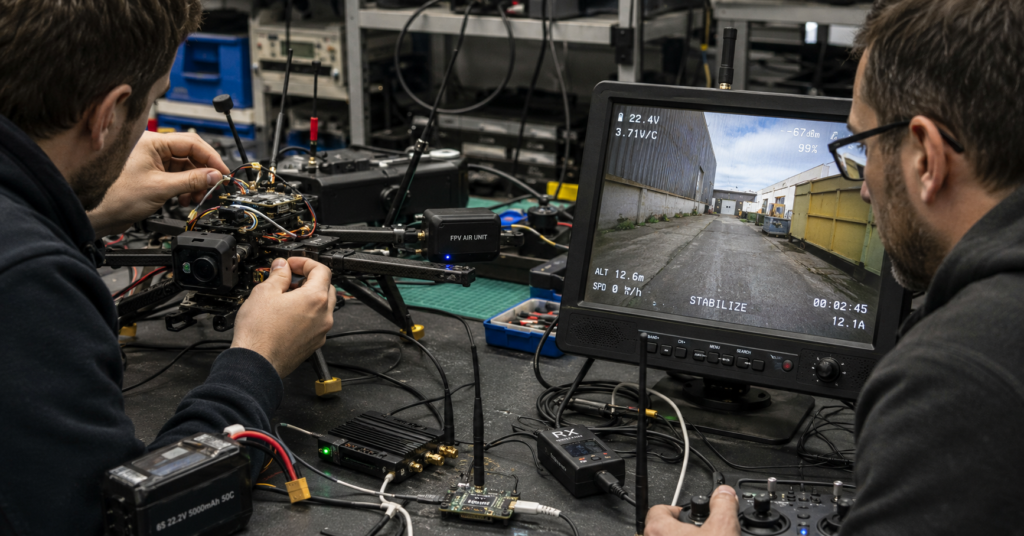
For FPV drone integration, OSD is not just text on a screen. It is the data layer that connects flight-control information with visual decision-making.
If OSD fails, the operator may still see a video image, but not the operational data needed to make decisions.
That means the FPV system can fail even when the image remains visible.
A serious FPV evaluation should ask:
- Which OSD method is supported?
- How is telemetry carried into the video chain?
- Does the system support the required flight-control data path?
- Does OSD behavior remain stable after firmware configuration?
- Does the ground-side display render OSD correctly?
- Does OSD affect latency or video stability?
The real question is not:
“Does this FPV camera support OSD?”
The better question is:
“Can this FPV air unit carry the right operational data through the full video chain?”
That is a much harder and more useful question.
4. Low latency is not a single number
Low latency is one of the most misunderstood claims in FPV systems.
A spec sheet may show a low latency number.
A bench test may feel responsive.
A short-range demo may look smooth.
But real FPV latency is created across the full video path:
camera → encoding → OSD overlay → wireless transmission → receiver → decoding → display
Any weak point in this chain can change the final operator experience.
This is why some systems appear acceptable during early testing but become difficult after integration.
The image still appears.
The link still works.
The camera still outputs video.
But the delay becomes inconsistent.
In real FPV drone integration, latency should not be evaluated only as a number from the camera or air unit. It should be evaluated as full-chain video behavior.
A better evaluation question is:
“How does latency behave after the system is configured, powered, mounted, transmitted, received, decoded, displayed, and tested with OSD?”
That is the latency that matters.
5. Protocol compatibility decides integration cost
Protocol support is often treated as a technical detail.
In real integration, it is one of the biggest cost drivers.
If the FPV air unit does not fit the existing system architecture, the team may need extra engineering work, firmware adjustment, configuration changes, receiver-side modification, or ground-station adaptation.
This creates hidden cost.
Not always hardware cost.
Often engineering time cost.
Debugging cost.
Project delay cost.
Delivery-risk cost.
That is why protocol compatibility should be evaluated before hardware selection, not after the first installation attempt.
A serious FPV evaluation should define:
- required flight-control stack
- telemetry method
- OSD path
- receiver-side workflow
- ground display system
- supported video modes
- expected latency behavior
- firmware configuration requirements
- power input and thermal conditions
In FPV drone systems, the wrong FPV air unit does not only create a video problem.
It creates an integration problem.
6. Digital FPV is not automatically easier than analog FPV
Digital FPV offers clear advantages:
- higher image quality
- HD video
- more flexible data paths
- better recording options
- stronger integration potential
But digital FPV also introduces more system variables.
Analog FPV is often simpler in signal flow. Digital FPV depends on encoding, firmware, protocol behavior, receiver-side processing, display compatibility, and sometimes ground-station software.
This does not mean analog is better.
It means digital FPV must be evaluated differently.
The question is not only whether the image looks better.
The question is whether the digital video chain behaves predictably inside the real platform.
For integration teams, predictable behavior is more valuable than a beautiful demo.
7. Low light is useful, but it should not hide integration risk
Low-light performance is important in many FPV applications, especially for night operation, inspection, search, security, and low-visibility environments.
But low light should not be used as a substitute for system readiness.
A camera may perform well in low-light conditions but still fail the integration test if OSD, protocol compatibility, latency behavior, power input, firmware setup, or receiver-side display is unstable.
This is why low-light capability should be evaluated as one part of the video system, not as the whole decision.
For FPV drone platforms, the strongest FPV system is not simply the one that looks best in a dark scene.
It is the one that delivers usable video, usable data, predictable latency, and stable integration behavior under the actual operating conditions.
8. The better FPV evaluation framework
A stronger FPV evaluation should move from feature comparison to integration-risk evaluation.
| Weak evaluation question | Better evaluation question |
|---|---|
| Is it 4K? | Which video modes are usable for our platform and receiver path? |
| Does it support OSD? | Which OSD path is supported, and does it remain stable after configuration? |
| What is the lowest latency? | How does latency behave across the full video chain? |
| What is the maximum range? | Under what conditions was range tested, and what link behavior should we expect? |
| Is it digital FPV? | Does the digital video chain fit our firmware, protocol, receiver, and display workflow? |
| Does it work on the bench? | Does it remain stable after mounting, wiring, power input, heat, vibration, and ground-side display integration? |
This is the real shift in FPV selection.
The market is not only asking for better cameras.
Engineering teams are asking for FPV systems that reduce integration risk.
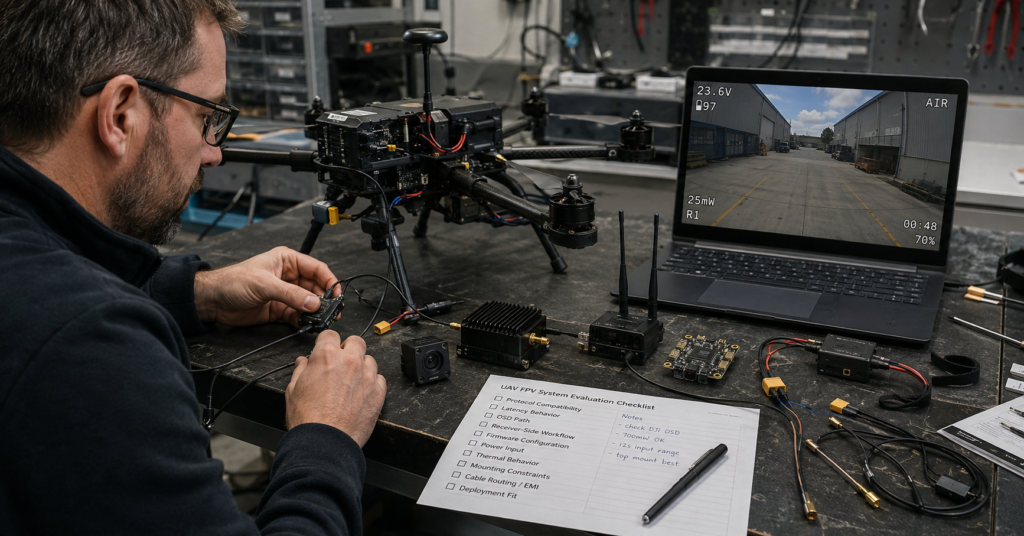
9. FPV integration checklist for FPV drone teams
Before selecting an FPV camera module or FPV air unit, integration teams should check:
Video path
- Required resolution
- Required frame rate
- Encoding format
- Receiver-side decoding behavior
- Ground display compatibility
OSD and telemetry
- Supported OSD method
- Telemetry input path
- Flight-control compatibility
- OSD rendering behavior
- OSD effect on latency and stability
Protocol and firmware
- Supported FPV protocols
- Firmware maturity
- Configuration complexity
- Update risk
- Known compatibility limits
Latency
- Camera-side latency
- Encoding latency
- Transmission latency
- Receiver-side latency
- Display latency
- Latency with OSD enabled
Electrical and mechanical integration
- Input voltage range
- Power consumption
- Heat behavior
- Connector reliability
- Mounting hole compatibility
- Cable routing
- Vibration exposure
Deployment fit
- FPV drone platform type
- Ground-station workflow
- Operator display environment
- Range requirement
- Interference environment
- Maintenance capability
This checklist is more useful than asking whether a camera has a sharp image.
Sharp image quality is only the starting point.
Integration behavior decides whether the FPV system can actually be deployed.
10. Conclusion
FPV camera selection is changing.
The old model focused on camera specifications:
resolution, image sharpness, range, and basic latency claims.
The new model focuses on video-link integration risk:
OSD behavior, telemetry mapping, protocol compatibility, firmware maturity, receiver-side processing, power input, thermal behavior, and full-chain latency.
For FPV drone teams, FPV is no longer just an imaging decision.
It is a system-integration decision.
A clear image is not enough.
The FPV air unit must carry the right data, fit the platform architecture, behave predictably after configuration, and support the full operational video chain.
That is the difference between a camera that works in a demo and an FPV system that works in the field.
FAQ
What is the most common mistake in FPV camera selection?
The most common mistake is evaluating FPV camera systems only by resolution, image clarity, or a single latency number. For FPV drone integration, the full video chain matters more: OSD, telemetry, protocol compatibility, firmware behavior, receiver-side processing, power input, and display workflow.
Why is OSD important in FPV integration?
OSD is important because it connects flight-control data with the operator’s visual decision-making. If OSD fails, the image may still be visible, but critical operational data may be missing or unreliable.
Why is low latency not just a single number?
FPV latency is created across the full video path, including camera capture, encoding, OSD overlay, wireless transmission, receiver processing, decoding, and display. A low number from one part of the system does not guarantee low end-to-end latency.
What should FPV drone teams check before choosing an FPV air unit?
They should check video modes, OSD path, telemetry method, protocol compatibility, firmware stability, input voltage, power consumption, thermal behavior, receiver-side workflow, ground display compatibility, and latency across the full video chain.
Is digital FPV always better than analog FPV?
Digital FPV can provide higher image quality and more flexible integration options, but it also introduces more variables such as encoding, firmware, protocol behavior, receiver processing, and display compatibility. The better choice depends on the platform’s integration requirements.