
Fit the aircraft.
Define the build.
Turn an FPV video requirement into a defined module evaluation. Bring the installation, electrical connection and receiving equipment into the same review before choosing a sample configuration.
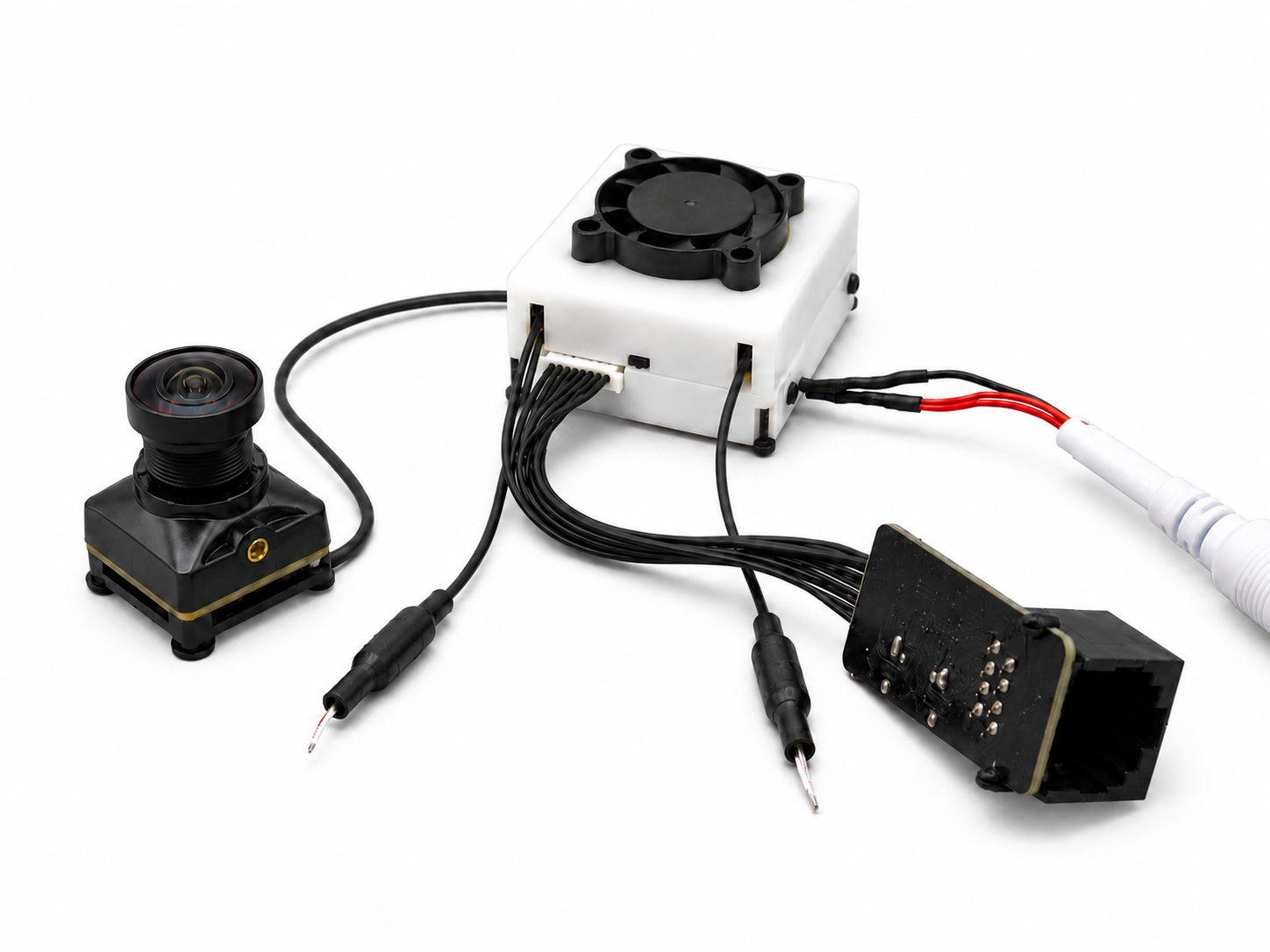
See the complete path.
A proposed engineering review sequence. Sample results inform the customer’s build decision; they do not establish production or aircraft qualification.
- RequirementsScene and receiving equipment
- ConfigurationExact module and interfaces
- Sample reviewInstallation and test results
- Build decisionCustomer acceptance
The diagram describes a review path, not a claim that one module supplies every stage.
Put the installation on the table.
A useful first review starts with a drawing, a receiving-device model and a short description of the required picture. Mark the constraints that are fixed and the choices still open.
- Mechanical envelope
- Provide mounting points, lens clearance and the space available for the board or housing. Check tolerances and cable-bend space on the actual assembly.
- Electrical connection
- Provide the power supply, connector orientation and expected signal interface. Confirm direction, pinout and voltage levels before wiring.
- Video and software
- Identify the receiving equipment, image mode, driver / decoder needs and firmware versions. A protocol name alone does not establish platform compatibility.
- Operating conditions
- Describe airflow, expected temperature, movement and vibration. Request any available qualification evidence for the exact product rather than assuming it.
- Configuration control
- Record the hardware revision, camera, lens, firmware and cable assembly. Decide which changes require a repeat of the sample tests.
Make the sample answer a decision.
Agree what the sample should demonstrate before testing. Keep the acceptance record specific enough to reproduce the evaluation after a configuration change.
Define the configuration
List the exact module, lens, interfaces, cables and receiving equipment. Separate documented features from options still to confirm.
Evaluate the installation
Check fit, wiring, power, video operation and relevant thermal behavior against the agreed setup.
Close the open points
Record results, remaining issues and retest triggers. Confirm documentation and configuration before discussing the next build.
Find a product direction.
Use the required input and processing role to choose a product direction. Exact configuration and installation requirements govern the final selection.
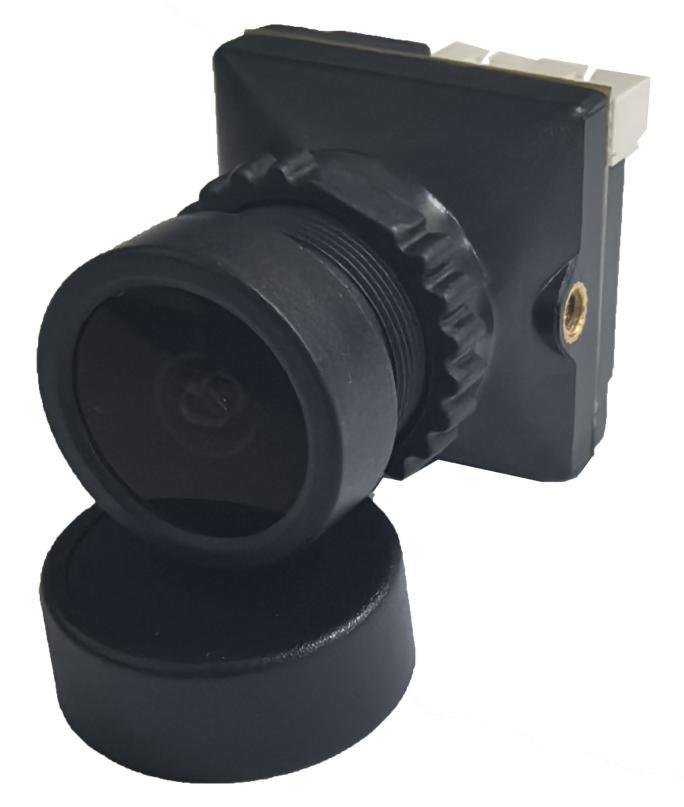
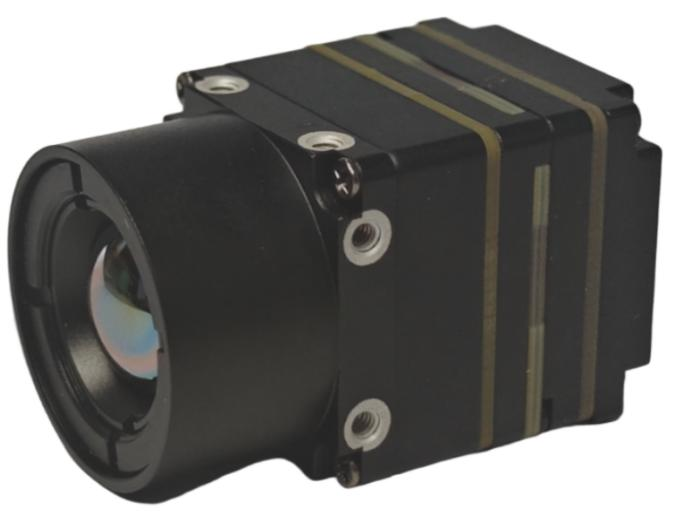
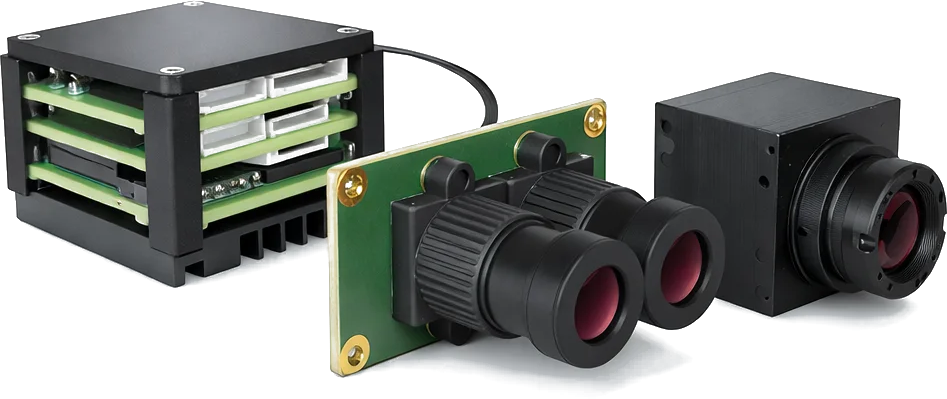
Bring these details.
Include the following information in your Support message. An incomplete design can still be reviewed; identify the decisions that remain open.
- Aircraft / installation drawing with available space
- Camera role, lens and field-of-view requirements
- Power supply and connector / interface drawings
- Receiving equipment, software and firmware versions
- Cable length, route and thermal constraints
- Evaluation stage, acceptance criteria and open questions
Questions before selection.
A few distinctions that affect the module choice and the evidence needed for evaluation.
Can the first review start before the design is final?
Yes. Share what is known and identify the open decisions. The review can narrow the module configuration and the tests needed next.
Does a development kit prove production readiness?
No. Kit operation is evidence for that evaluation setup. The customer still needs to validate installation, operating conditions, repeatability and the final aircraft configuration.
What happens if the camera, firmware or cable changes?
Compare the change against the recorded configuration and acceptance criteria. Repeat the affected interface, image, timing or installation tests before relying on previous results.
Bring your FPV setup.
Start the review.
Use the Support form to share your equipment, required video input and integration questions. Include the product or application you are evaluating.