
Your FPV setup.
A clearer starting point.
Start with what the aircraft needs to see and the equipment that receives the picture. Explore an application, identify the installation constraints, then choose a product direction.
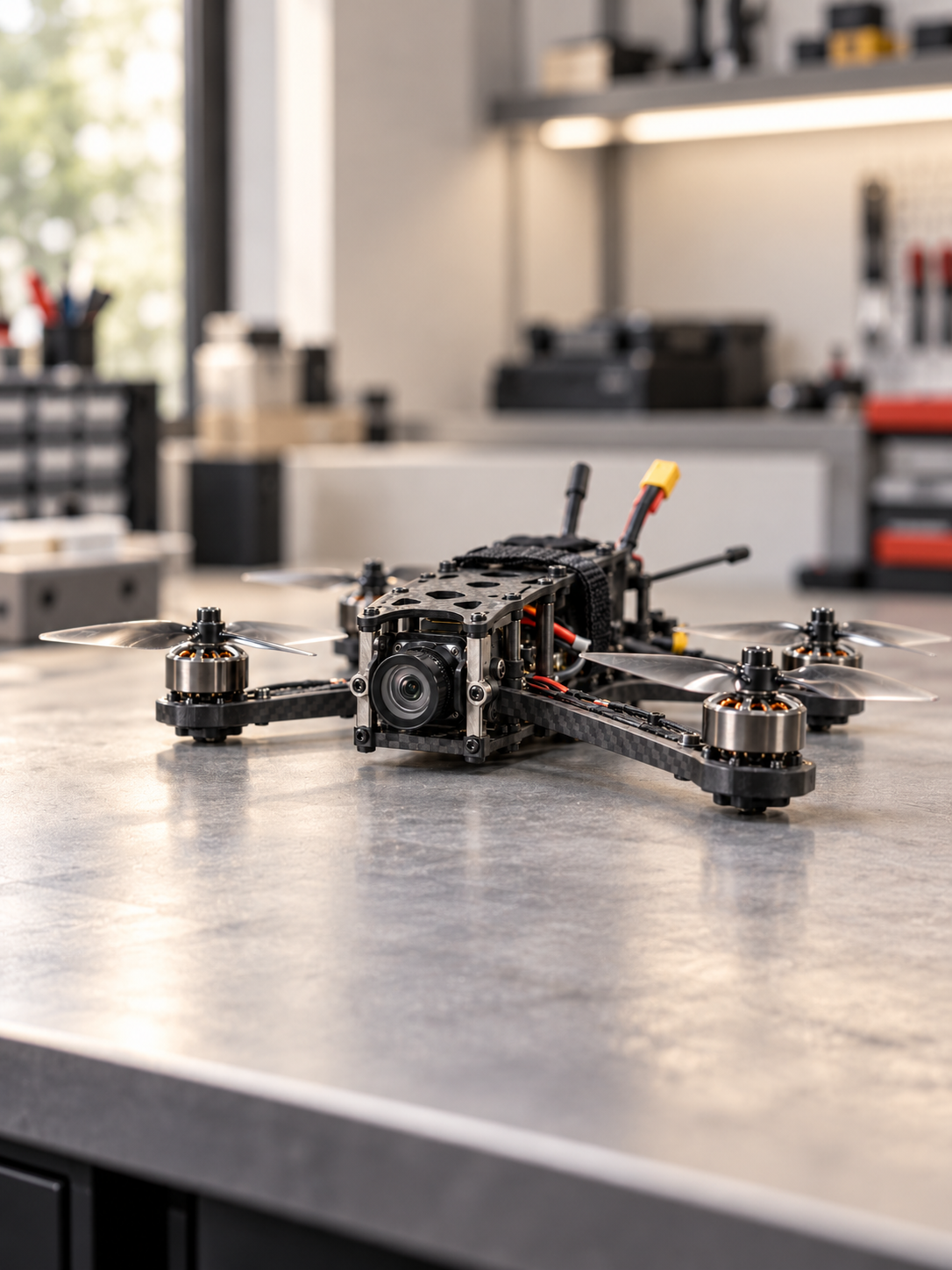
Choose the question
you need to answer.
Each guide connects an FPV requirement to the selection criteria, a test sequence and relevant product directions.
FPV Video Integration
Camera, video link and pilot display. Start with the connection between them.
FPV Low-Light Video
Reduced illumination, changing light and movement. Define the scene before choosing the module.
FPV Thermal Video
Thermal contrast, lens and video output. Review how the thermal picture reaches the system.
FPV OEM Integration
Power, mounting, cabling and configuration. Bring the installation into the selection decision.
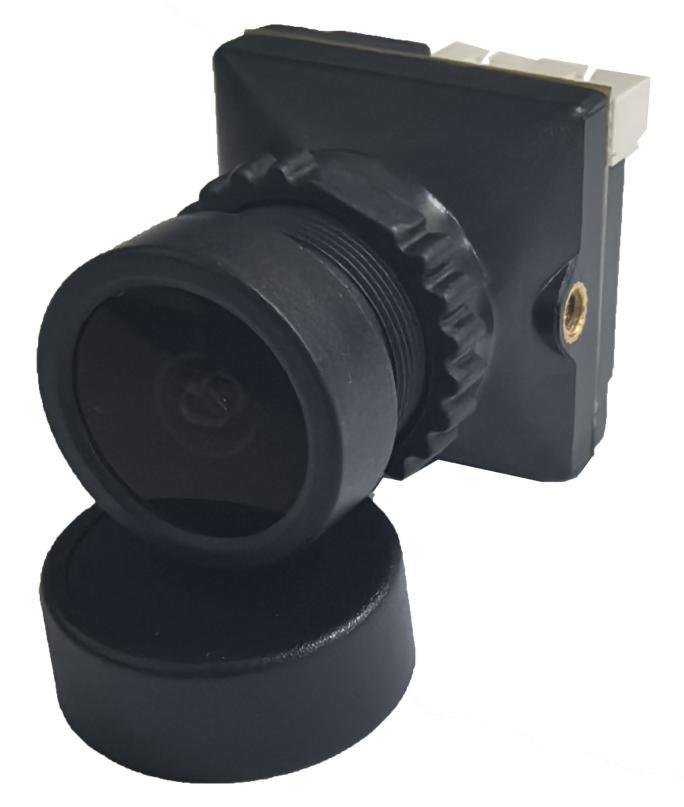
Keep the receiving
equipment in view.
A camera choice belongs inside the complete aircraft video path. Establish the signal and the connection at every hand-off.
- SceneLight, contrast and motion
- Video inputCamera, lens and output
- Video link / hostCustomer receiving equipment
- Display / processingRequired picture or input
Typical architecture for planning. The selected product may cover only one stage. Confirm the exact configuration before connecting equipment.
Processing on board?
Start with the configuration.
The AI product page brings the C1–C4 configurations, documented interfaces and sample-evaluation questions into one place.
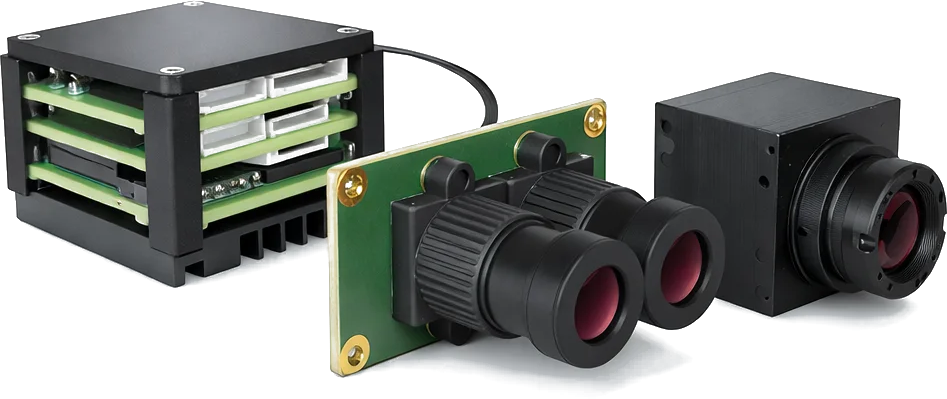
Make the first review useful.
A short equipment list and installation sketch help establish the next evaluation step.
- Scene and required image detail
- Video link, receiver, display or host model
- Required video output and operating mode
- Supply, mounting space and cable route
- Lens / field of view and environmental constraints
- Sample-test questions and acceptance criteria
Bring your FPV setup.
Start the review.
Use the Support form to share your equipment, required video input and integration questions. Include the product or application you are evaluating.