
Follow the picture.
Through the aircraft.
Choose an FPV video input together with the equipment that receives it. Camera output, the video link and the pilot display need to work as one defined configuration.
See the complete path.
A typical FPV video path, shown for planning. Thyraon’s scope depends on the selected module; the link, receiver and display may be supplied by the customer.
- CameraScene and video output
- Video linkInput, encoding or transport
- ReceiverVideo recovery and output
- Pilot displayUsable image and OSD
The diagram describes a review path, not a claim that one module supplies every stage.
Start with the receiving end.
Knowing the installed video link and display narrows the camera choice. Keep the actual signal format, wiring and settings with the module selection.
- Video format
- Record the camera output and the link’s accepted input. For an analog path, confirm the exact PAL / NTSC settings; for a digital path, confirm the documented mode and receiving requirements.
- Power and wiring
- Check the supply at the camera, connector orientation, pinout, grounding and cable route against the exact unit’s drawing.
- Image and framing
- Choose the required field of view and image ratio with the pilot display. Review scene detail, exposure changes and motion using the intended lens.
- OSD and telemetry
- Identify which device creates the overlay and where it enters the path. A camera OSD menu does not establish flight-controller telemetry compatibility.
- Timing
- Define the measurement from the scene to the final display. A camera-only figure cannot establish the delay of the complete installed video path.
Test the connected setup.
Use the intended receiver and display in a controlled evaluation. Preserve the wiring, settings and scene with each recording.
Bring up the picture
Verify the video format, image ratio, supply and wiring before changing image settings.
Change the scene
Check moving detail, bright-to-dark transitions, and the overlay on the final display.
Record the result
Log the exact hardware, firmware, lens and settings. Agree acceptance criteria before the aircraft evaluation.
Find a product direction.
Begin with the required output and image mode. These are product directions to review, rather than a promise of compatibility with an unspecified video link.
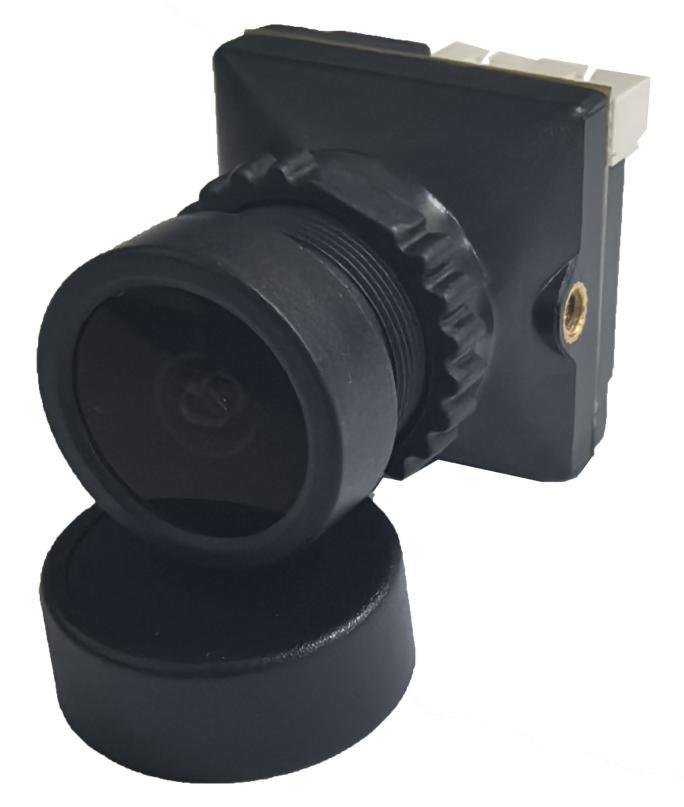
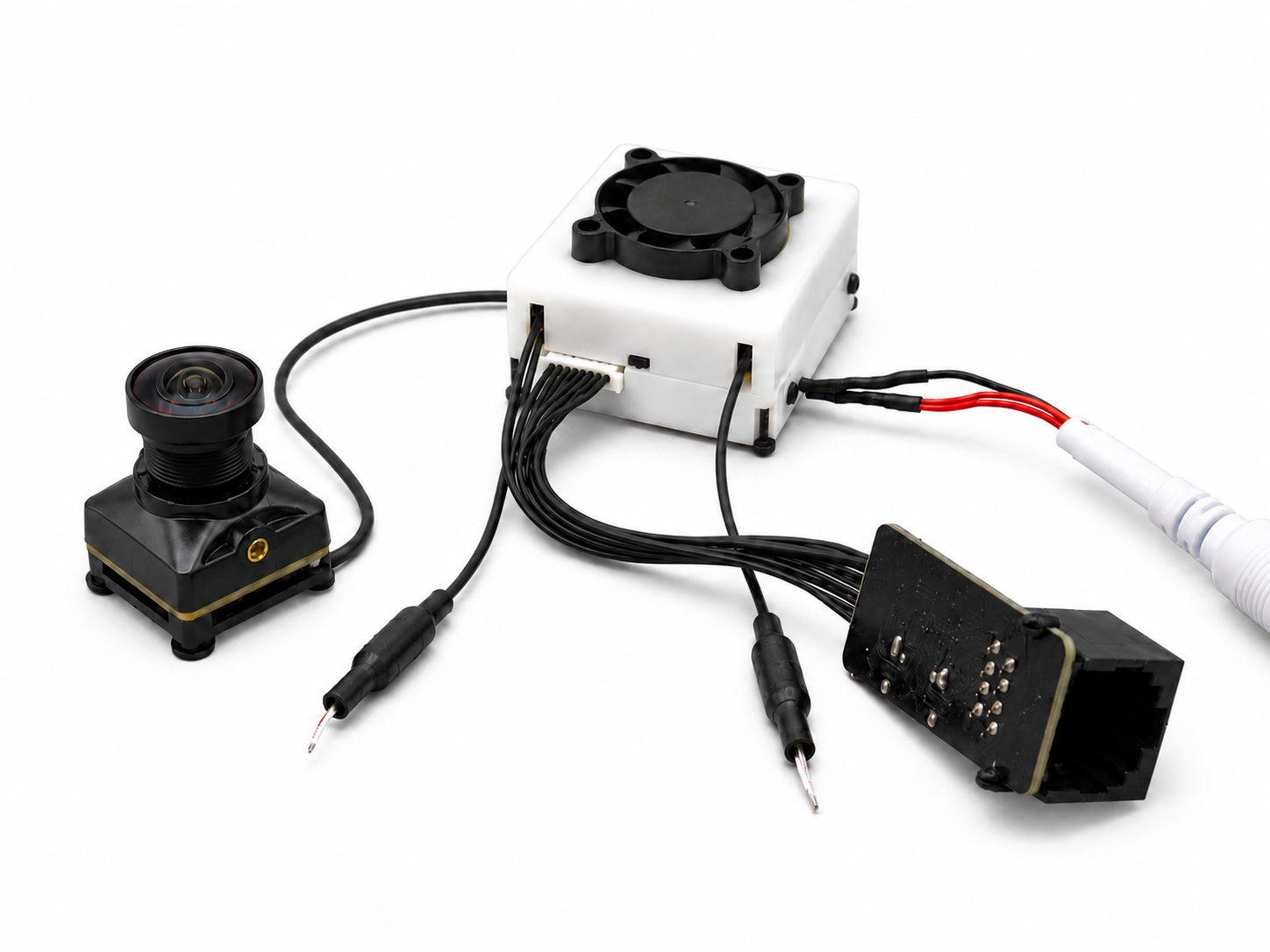
Bring these details.
Include the following information in your Support message. An incomplete design can still be reviewed; identify the decisions that remain open.
- Video link, receiver and display model
- Required output, video standard and image ratio
- Supply voltage, connector drawing and cable length
- Lens / field of view and mounting space
- OSD source and firmware versions
- Test scene and acceptance criteria
Questions before selection.
A few distinctions that affect the module choice and the evidence needed for evaluation.
Can a CVBS camera connect to any digital air unit?
Only if that exact air unit documents the required CVBS input and configuration. The appearance of the connector does not establish signal compatibility.
Does the FPV-003_O provide telemetry OSD?
Its specification lists an OSD menu. Flight-controller telemetry overlay and the complete OSD path require separate verification.
Which latency should we use for selection?
Use an agreed measurement boundary and test conditions. Numeric latency is not confirmed for the current FPV-003_O, and no end-to-end value is promised here.
Bring your FPV setup.
Start the review.
Use the Support form to share your equipment, required video input and integration questions. Include the product or application you are evaluating.